

ubuntu12.04 命令行安装Wine1.7的 ***
打开终端执行一下命令,在安装过程中会提示你是否同意协议,点击Enter:
sudo add-apt-repository ppa:ubuntu-wine/ppa
Ubuntu 13.10 编译安装Wine 1.7
先安装依赖的库:
sudo apt-get install flex bison qt4-qmake
apt-get install libfreetype6-dev
apt-get install libjpeg-dev libpng-dev libxslt-dev libxml2-dev
apt-get install libxrender-dev
sudo apt-get install libgl1-mesa-dev
sudo apt-get install libglu1-mesa-dev
sudo apt-get install freeglut3-dev
apt-get install prelink
apt-get install libasound2-dev
下载最新的源代码:
http://prdownloads.sourceforge.net/wine/wine-1.7.4.tar.bz2
http://mirrors.ibiblio.org/wine/source/1.7/wine-1.7.4.tar.bz2
Wine 1.7.4 发布
解压源代码到当前用户目录下,进入目录:
tar jxvf wine-1.7.4.tar.bz2
cd wine-1.7.4
./configure --enable-win64
creating Makefile rules... done
configure: creating ./config.status
config.status: creating Make.rules
config.status: creating Make.tmp
config.status: creating include/config.h
config.status: linking AUTHORS to dlls/shell32/AUTHORS
config.status: linking tools/winewrapper to wine
config.status: linking tools/winewrapper to wine64
config.status: executing include/stamp-h commands
config.status: executing dlls/gdi32/dibdrv commands
config.status: executing dlls/gdi32/enhmfdrv commands
config.status: executing dlls/gdi32/mfdrv commands
config.status: executing dlls/kernel32/nls commands
config.status: executing dlls/user32/resources commands
config.status: executing dlls/wineps.drv/data commands
config.status: executing include/wine commands
config.status: executing Makefile commands
configure: libxcursor development files not found, the Xcursor extension won't be supported.
configure: libxi development files not found, the Xinput extension won't be supported.
configure: libxrandr development files not found, XRandr won't be supported.
configure: libxinerama development files not found, multi-monitor setups won't be supported.
configure: libxcomposite development files not found, Xcomposite won't be supported.
configure: libO *** esa development files not found (or too old), OpenGL rendering in bitmaps won't be supported.
configure: OpenCL development files not found, OpenCL won't be supported.
configure: libdbus development files not found, no dynamic device support.
configure: libgnutls development files not found, no schannel support.
configure: lib(n)curses development files not found, curses won't be supported.
configure: libsane development files not found, scanners won't be supported.
configure: libv4l development files not found.
configure: libgphoto2 development files not found, digital cameras won't be supported.
configure: libgphoto2_port development files not found, digital cameras won't be auto-detected.
configure: liblcms2 development files not found, Color Management won't be supported.
configure: gstreamer-0.10 base plugins development files not found, gstreamer support disabled
configure: OSS sound system found but too old (OSSv4 needed), OSS won't be supported.
configure: libcapi20 development files not found, ISDN won't be supported.
configure: libcups development files not found, CUPS won't be supported.
configure: fontconfig development files not found, fontconfig won't be supported.
configure: libg *** development files not found, g *** 06.10 codec won't be supported.
configure: libtiff development files not found, TIFF won't be supported.
configure: libmpg123 development files not found (or too old), mp3 codec won't be supported.
configure: libopenal development files not found (or too old), OpenAL won't be supported.
configure: libldap (OpenLDAP) development files not found, LDAP won't be supported.
configure: Finished. Do 'make' to compile Wine.
现在可以编译了。运行make,等待吧。一个小时候编译完成。然后运行make install
或者可以以非root用户的身份进入tools目录,运行:
./wineinstall
它会自动编译并安装程序,中间会提示输入管理员密码。
安装到了/usr/local/bin目录下
运行命令检查版本:
ine64 --version
wine-1.7.4
然后创建一个wine链接,否则很多程序不能用, 比如winecfg。
sudo ln -s /usr/local/bin/wine64 /usr/local/bin/wine
“ubuntu12.04 命令行安装Wine1.7的 *** ” 的相关文章
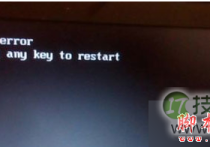
windows 7系统开机提示press any key to restart的故障分析及解
Windows 7 64位系统开机后提示"press any key to restart",无法进入系统了,具体现象如下所示: 故障分析: 故障的主要原因还是硬盘的问题,可以先检查是不是接触不良或坏了,进行修复或更换即可。 解决方法: 1、开机按F8不动到高级选项出现在松手,选“...

windows 7查看电脑近期使用情况确定有没有被他人使用
我一个朋友最近装装了Windows 7,他总感觉有人用了他的电脑,但是一直不确定,他想知道有没有人动用他的电脑,问我有没有办法 我说设置一下就行了: 启动Windows 7,在搜索栏中输入编辑组,马上就搜索到了编辑组策略,点击即可启动程序编辑组策略。依次展开组策略左侧树形列表的计算机配置/管理模...

微软为windows 7用户重新发布补丁KB2952664 帮助提升Win10升级体
1月13日消息,微软今天为Windows 7(SP1)用户重新推送了编号为KB2952664的更新补丁,该更新在官方KB知识库中的描述为“Windows 7系统升级兼容性更新”,用于帮助微软改进当前版本系统,提升升级到最新版Win10系统的体验。 这项更新还用于在系统中显示Windows10更新提...
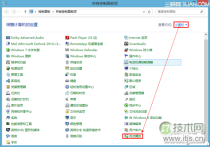
windows 7/8/xp系统关闭自动播放功能禁止音频媒体自动播放
Windows 7/8系统: 控制面板——自动播放——取消掉为所有媒体和设备设置自动播放 winXP系统: 开始—运行—gpedit.msc—计算机配置—管理模板—系统—关闭自动播放—已启用—所有驱动器—确定 关闭自动运行功能说明: 一旦您将媒体插入驱动器...
Ubuntu 14.04安装Wine以便使用Windows应用
假如你想要在Ubuntu上使用Windows应用,就需要用到Wine了,除了支持Linux系统外,Wine还可运行于其他系统,是个非常使用的软件,下面小编就以Ubuntu 14.04为例,给大家介绍下Ubuntu 14.04安装Wine的步骤。 Ubuntu 14.04安装Wine的步骤 1...
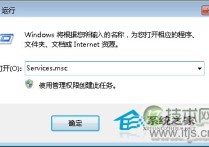
windows 7通过禁用nvcpl服务项减少开机时间提高开机速度
电脑开机速度不够快?如何才能加快电脑开机速度呢?今天小编就教大家一个通过禁止nvcpl服务项加快Windows 7电脑开机速度的方法。 解决方法: 1、首先按“WIN+R”组合键打开Windows 7系统的“运行”窗口,输入“services.msc”命令后按回车。 2、在打开的服务窗口中...
- 最新文章
- 热门阅读
-
- 站长需要掌握的知识与技能
114 浏览站长资讯
- 马斯克:特斯拉2024年AI投资百亿,FSD 安全水平将超过人类
104 浏览站长资讯
- H5项目调用微信授权并实现登录功能
97 浏览未命名
- 新站怎样做好网络营销步实用方案解决推广难题实现长期排名
90 浏览SEO推广
- 西部数据WD 25年第三季度财报:营收为 22.9 亿美元,环比下降 5%
90 浏览站长资讯
- 站长需要掌握的知识与技能
-
最新文章
随机文章
热门文章
-
 印度IT股重挫 市场对人工智能颠覆性担忧持谨慎态度2026-02-04 阅读(0)
 -
 金属狂澜起:涨潮中暗涌分化,各路“金戈”谁主沉浮?铜价强势跳涨3640元/吨!2026-02-04 阅读(0)
 -
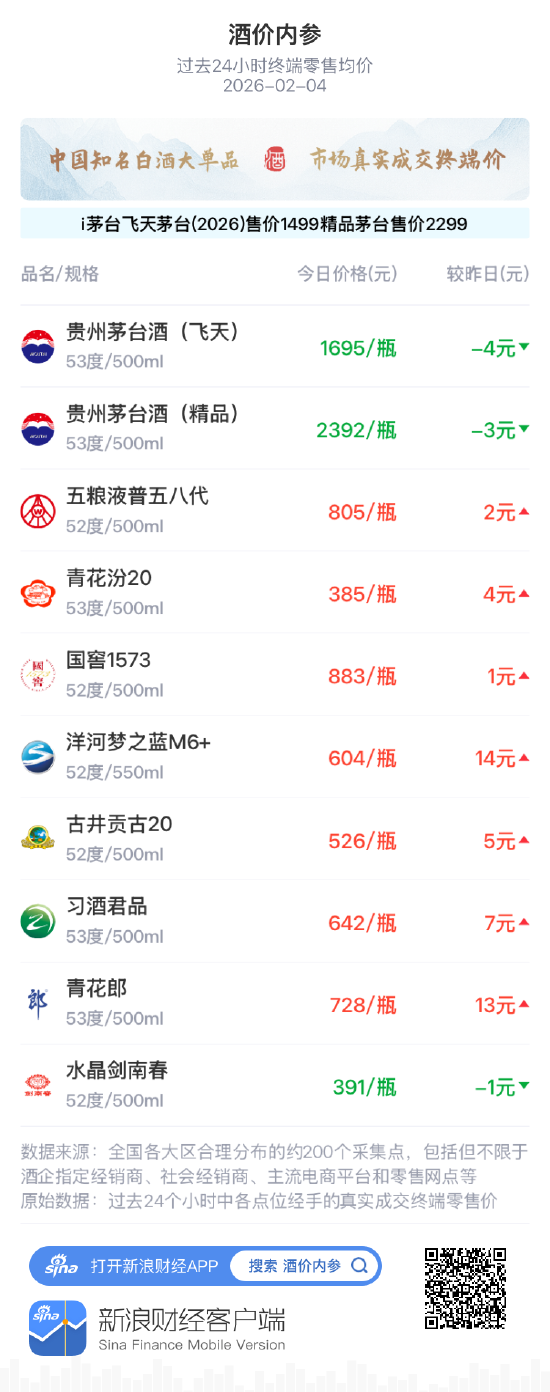 酒价内参2月4日价格发布 青花郎上涨13元2026-02-04 阅读(0)
 -
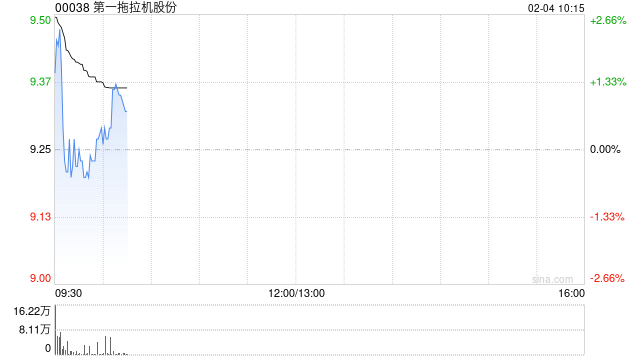 第一拖拉机股份:北起院与一拖柴油机订立工业产品买卖合同2026-02-04 阅读(1)
 -
 海普瑞遭洪泽君增持121.8万股 每股作价约5.51港元2026-02-04 阅读(1)
 -
 商业航天大年来了 广东、山东、浙江等10多个地方争相布局2026-02-04 阅读(1)
 -
 油价周二收高 投资者权衡供应恢复与美伊谈判前景2026-02-04 阅读(1)
 -
 美国击落一架接近林肯号航母的伊朗无人机2026-02-04 阅读(1)
-
 windows 7系统如何设置休眠时不断网以便继续完成下载2001-12-01 阅读(56)
 -
 各个都很实用:windows 7系统电脑日常小技巧2002-01-01 阅读(45)
 -
 微软今天正式停止对windows 7的主流支持2002-01-01 阅读(41)
 -
 Skylake平台不能通过USB接口装windows 7系统2002-01-01 阅读(46)
 -
 ubuntu14.04打开个几个应用窗口最小化后怎么切换呢?2002-01-01 阅读(37)
 -
 windows 7系统下Windows服务被流氓软件注册怎么办?Windows服务2002-01-01 阅读(44)
 -
 windows 7系统中不能把程序锁定到任务栏的解决方法图文讲解2002-02-01 阅读(39)
 -
 3个实用的windows 7 DOS操作系统技巧2002-02-01 阅读(39)
-
 Windows7安装Solr+Tomcat的方法2010-05-01 阅读(215)
 -
 windows 7下先装SQL2005后装SQL2000 正确连接方法2010-10-01 阅读(143)
 -
 站长需要掌握的知识与技能2025-10-13 阅读(114)
 -
 马斯克:特斯拉2024年AI投资百亿,FSD 安全水平将超过人类2025-03-21 阅读(104)
 -
H5项目调用微信授权并实现登录功能2025-10-13 阅读(97)
-
 OpenStack 入门教程2015-05-14 阅读(94)
 -
 华为称已准备好取代谷歌应用:有10亿美元全球基金2019-12-25 阅读(93)
 -
 西部数据WD 25年第三季度财报:营收为 22.9 亿美元,环比下降 5%2025-05-02 阅读(90)
- 随机文章




- 热评文章
- 最近评论
-
